
Markdown in, static site out.
inkssg is a small static site generator in Go. Write a page in markdown or HTML, run one command, deploy a folder. No node, no plugins, no config.
go install github.com/snowztech/inkssg/cmd/inkssg@latest
pages/index/content.md
---
title: Ada
---

# Hi, I'm Ada

I make small tools for the
command line, and write
about them sometimes.

[GitHub](https://github.com/ada)
localhost:3000 reloaded
Three commands
That's the whole workflow.
# start a site: ink.yaml and one page
$ inkssg new my-site

# write, with live reload on localhost:3000
$ inkssg serve my-site

# build public/ and deploy it anywhere
$ inkssg build my-site
✓ index → index.html
built 1 pages in 1ms
Three themes inside
Pick one with default_theme in ink.yaml, or drop your own in themes/. These are real builds.
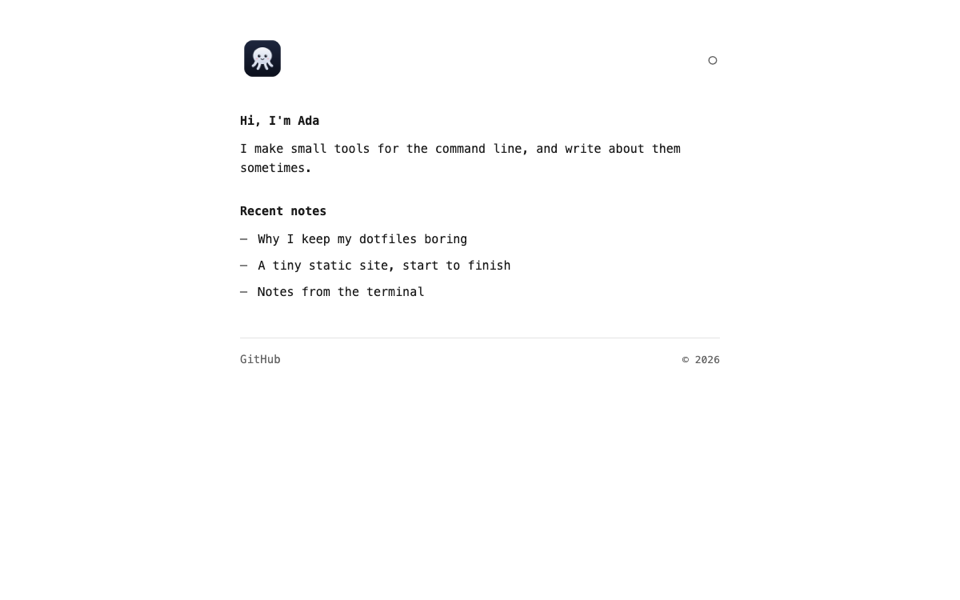
minimal A page of writing. The default.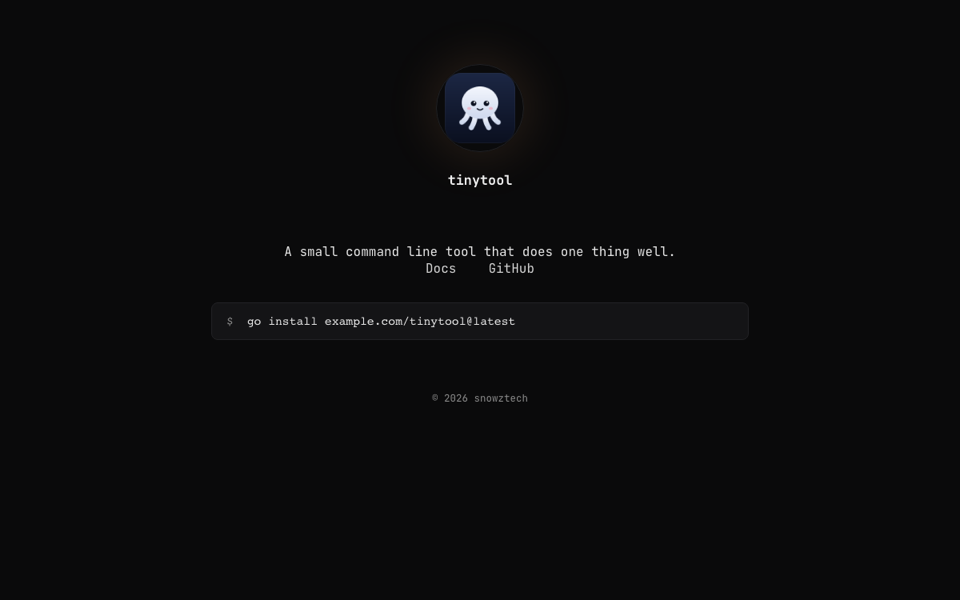
devtool A tool, with its install command.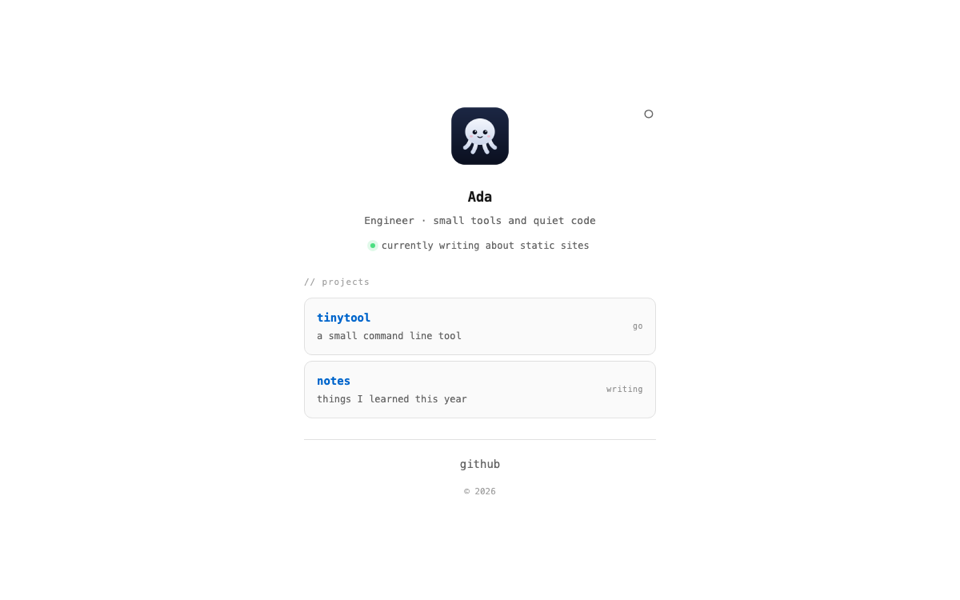
bio A profile with projects and links.What you get
One binary. Nothing to configure until you want to.
- Markdown or HTML
content.mdfor prose,content.htmlfor full control.- Frontmatter and ink.yaml
- Title and description per page, site-wide data in one optional file.
- Your own theme
- A
layout.htmlinthemes/. Same name as a built-in one replaces it. - Live reload
inkssg serverebuilds and refreshes the browser when you save.- A Go library
inkssg.Build(".")from your own program. The CLI wraps it.- Assets and static files
assets/for what pages use,static/forrobots.txtandCNAME.
A site
Only pages/ is required. Each folder becomes a page.
my-site/
├── ink.yaml          optional
├── pages/
│   ├── index/content.md   → index.html
│   └── about/content.md   → about.html
├── themes/           optional
├── assets/           → /assets/...
└── static/           → /
Small on purpose
If you need these, Hugo or Astro are better tools. inkssg will not grow them.
- Blog features: posts, drafts, RSS
- Plugins
- Theme inheritance
- i18n
- An image pipeline